You’re Not Clever: Password Patterns Exposed

Maybe you were reluctant to get on the password manager bandwagon. Passwords are inherently dangerous. Storing them in the cloud, you worry about breaches, you worry about losing access, etc. So you devised a clever pattern you thought would help you weather the storm until we finally get rid of passwords forever.

Maybe your password is a common word, then the first few letters of the site name. Long enough to avoid being guessed via brute force, and complex enough as well.

And that’s worked well for you for the past few years. You’re sitting pretty and haven’t been breached in a widespread attack.

YET.

Here’s the thing — when you use a pattern approach, every breach puts you more at risk, exposing your pattern. So far the bad actors have only been brute forcing using the breach lists (that we know of). It’s only a matter of time, if they haven’t started already, that they start cross referencing your user accounts from the various breach lists to get a per-user password list. Once that happens, inspecting those subsets for patterns will be trivial, and they will own ALL of your accounts.

Get out now, while you can. MFA where possible, long phrases if MFA is not available, 16-character complexity when long phrases don’t work.

If you don’t trust cloud password managers, use something like Keepass, but keep multiple backups in a safe place in case of corruption.
The LAB comes alive!

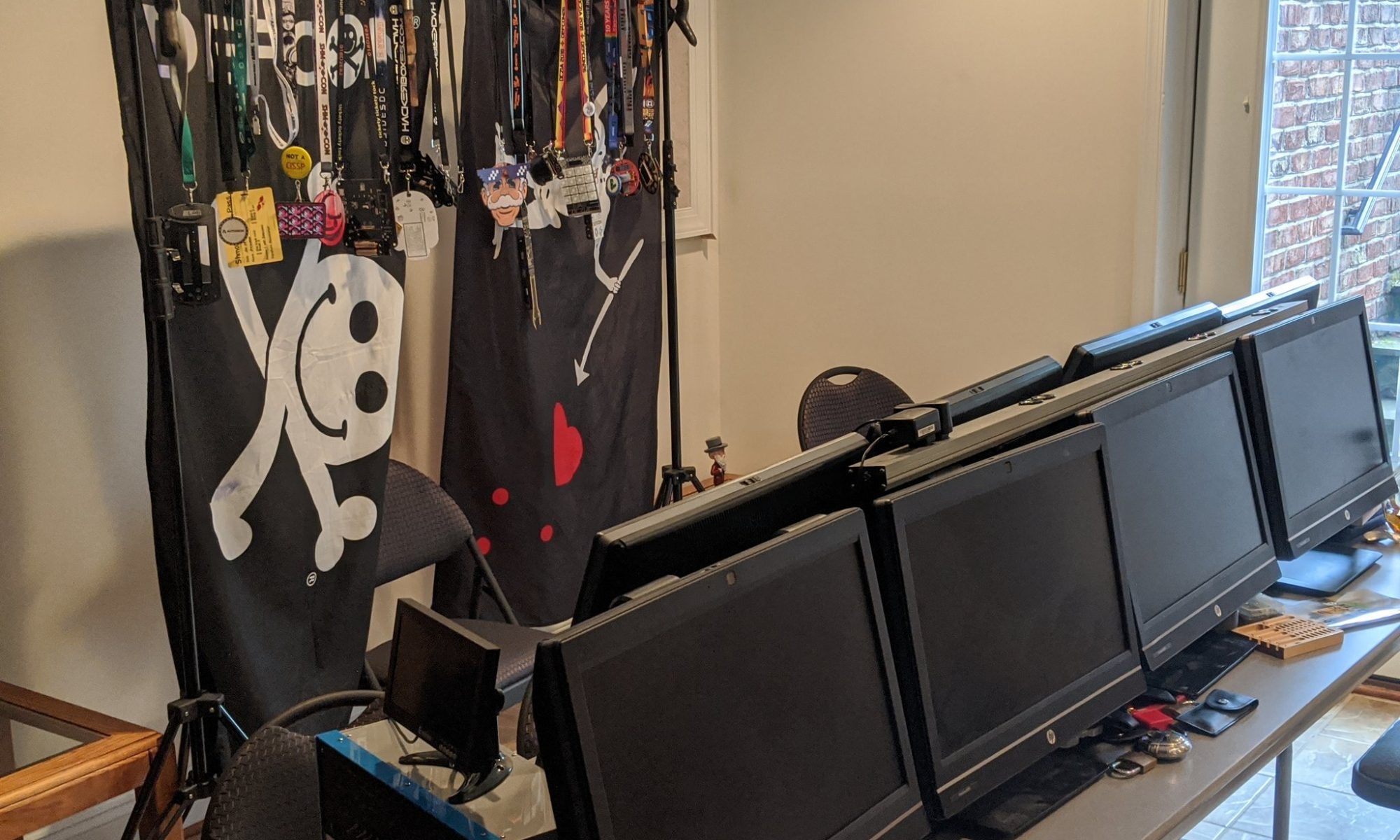
So I happened upon an auction for a collection of HP All-In-One PCs. I’ve always thought they were great general purpose solutions for classroom, lab, specific location browser use. Not what any PC fetishist would want, but fine for group use or general use purposes.

The price was right, so I picked them up, not knowing the complete specs, with only pictures and a “tested and working” claim attached to them.

I fired the first one up during the November meeting the other night. It booted into Windows, with an enterprise login screen for a medical group — brilliant, they sold medical PCs without wiping the hard drives. Mucked around with the BIOS settings so that I could boot Ubuntu to determine the specs of the machine without opening it up, found out it had bitlocker, which didn’t like me mucking with BIOS settings.

Tried to install Kali via Fog, something was busted in my Fog installation, so I just installed Ubuntu from a USB. It turns out they have an i5 4590s quad-core in them, along with 8GB RAM and a 500GD HDD. 4x USB 3.0 ports, 2x USB 2.0 ports. Gigabit ethernet and Wifi built-in. Not too shabby, glad I picked up this auction.

So the other night, I fixed Fog (firewalld was blocking TFTP), and deployed Kali. Updated and re-captured the image so that the future builds would be more up-to-date, then imaged the second unit this morning. Imaging a new unit just takes two minutes when connected via Gig-E.

Late last night I noticed one showed a CD in the drive. Popped the tray, and what do I find but a CD, labeled by a medical services vendor, with the attached label on it.

The file on the CD was a PDF file. The file name was the patient’s full name in last, first middle format.

It took just a minute or to to create a file with every possible date for the last century, seconds to normalize the password hash so that security tools could use it, and then just seconds to run a brute force tool against the hash using the wordlist I created. Within just a few minutes of discovering the CD, I was able to view a patient’s FULL MEDICAL HISTORY.

Some lessons here:

1) DON’T leave sensitive media in PCs that are going up for auction or to be “destroyed.” Never trust that process to someone else. Remove ALL media — USB, CD, hard drives, etc. Wipe/destroy them separately.

2) DON’T put a label on something telling whoever has possession of it the exact format of a password — it really narrows things down and makes it much easier for us to “guess” it.

3) DON’T make the filename the person’s full name.

4) DON’T use DOB as a password field. It’s absolutely not complex enough. Make it a long password and hand that piece of paper to them separately, or make it available in your highly-secured medical portal.

Hey look!

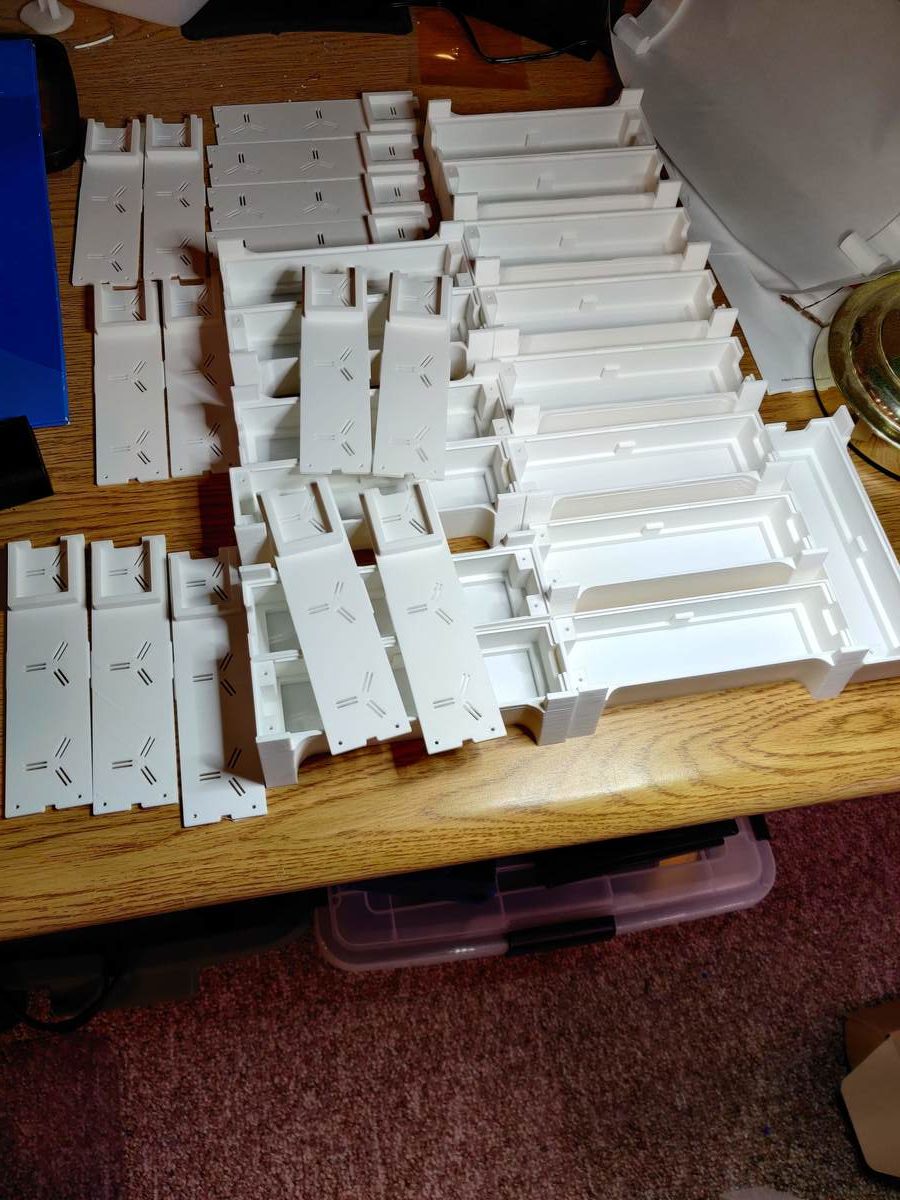
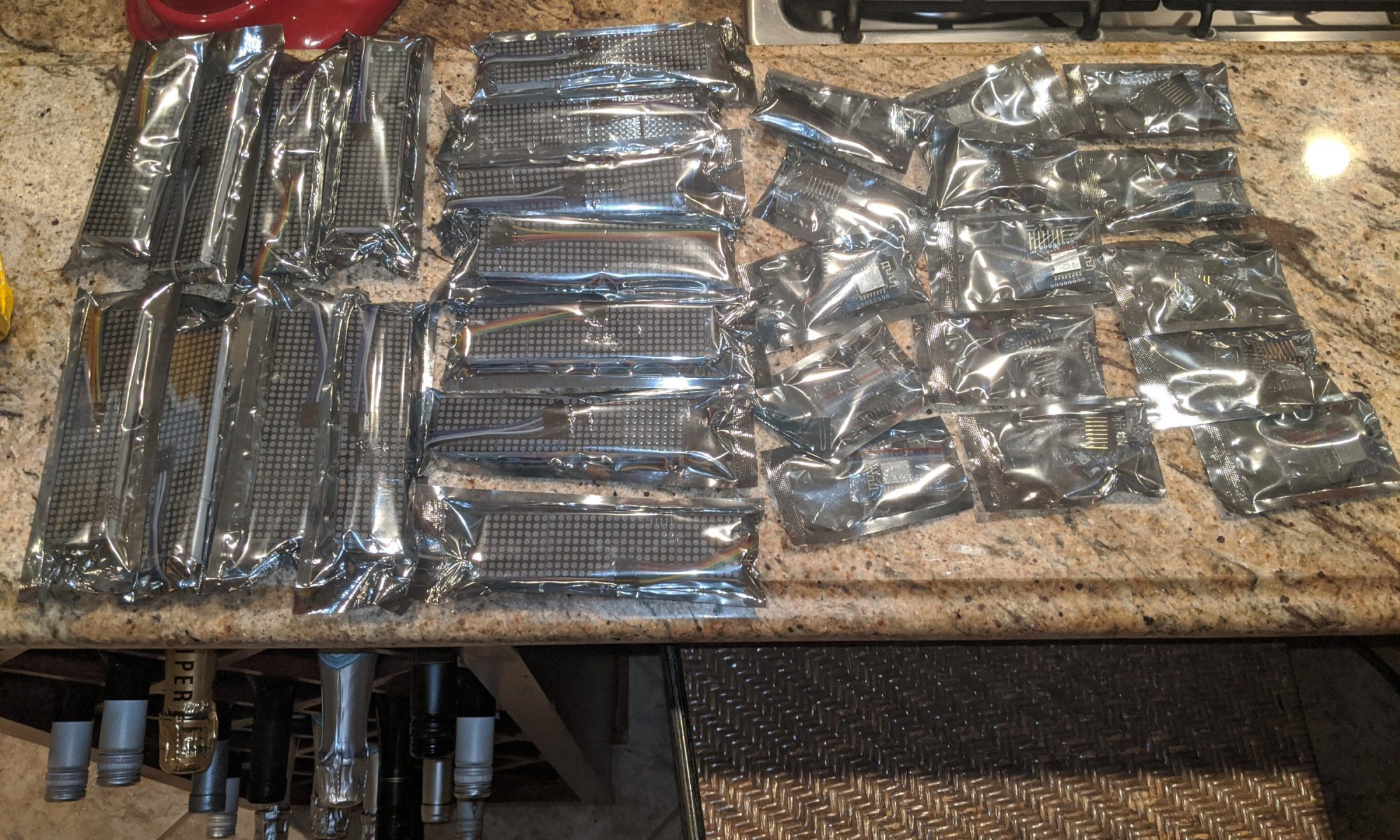
The LED Marquee 3d-printed parts are finished! They should be here by the end of the week, and who knows, maybe the Shenzhen parts will be here by then too!

Ready for the group build?

November Meeting tomorrow evening

Our November meeting is tomorrow evening Monday 11/18. Show up as early as six if you want. We’ll be in the basement again, it’s so much more comfortable than the library. Registration on the dc540.org website, remember, not on Meetup.

I will try to put some lighting in the side and back yards to make the path easier to navigate now that it’s getting darker earlier. I promise you won’t get murdered here, this is a nice neighborhood.

BYOB if you’re picky. There’s still some Durian candy left over.

As expected, the LED marquee group build stuff won’t be here in time for tomorrow’s meeting, but really should be here in time for the December meeting.

If there’s something you want to say, learn, try or do during the meeting, speak up. I’m just a facilitator, not a leader. 🙂

My kink is fringe culture, always has been. What’s yours? Bring something for show and tell.

WeWork continues fucking up…

LOL, first they annouce the pricing change, NOBODY is accepting that. So they tried to walk it back, saying it was meant to be a “test” for “select groups.”

Riiiiiiiiiiiight….

Now they’re messing with the employees.

An interesting piece of early Loudoun County telephone history…

Anyone who knows me knows I’m a bit of a phone fetishist. I was about sixteen when I first involved myself with phreaking, switch-hook dialing and fun stuff like that. I worked at an answering service manning a large vintage analog switchboard.

So I greatly enjoyed coming across this article when researching Loudoun County history.

Off-Grid Cyberdeck…

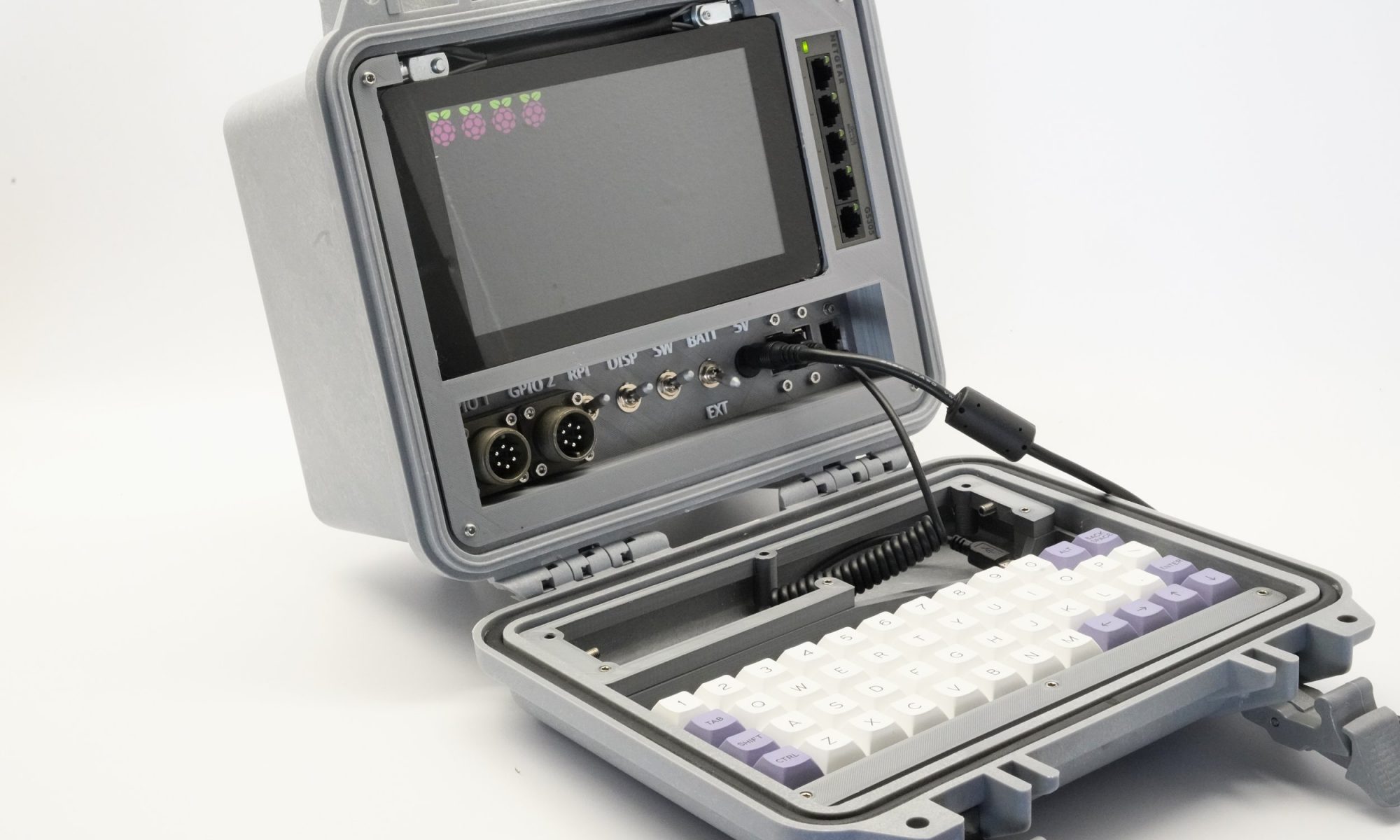
I’ve been staring at this tab that I’ve left open on my browser for days now. Do I really need another project? I mean you guys don’t know half the projects I’ve got going on already.

I try to push it out of my mind, each time there’s a new amazing project on the table, but my FOMO kicks in, and tells me, “BUT I NEED IT!”

I really don’t.

I didn’t need the VIC-20.

I didn’t need Project GoCube.

I didn’t need the Project MF Blue Box.

I didn’t need the Altairduino or the PiDP8/i.

Nor do I need this. BUT I NEED IT!

https://back7.co/home/raspberry-pi-recovery-kit?fbclid=IwAR2LUJ-xywP6IGLfai3GQk88Qt2MHkmunbk4tQ4ZduYxbJCiI5X36f7gM6M

New group project for December meeting…

Thanks to 801Labs @_bashNinja for a wonderful holiday gift idea.

I’d love to do this at the November meeting, but I sincerely don’t believe the parts will be here in time. 801Labs announced they are doing this project as a December group build, and they are offering the kits for $10. I thought I’d play along and do it through our group as well.

I couldn’t justify sourcing enough to get the price QUITE that low. I can do them for $15/each. If there’s enough interest.prepayment I’ll order more. Like 801, this is a group build in person, I’m not doing shipping for these.

So if anyone wants to participate in the group build for these, I should have all the parts in time for the December meeting. Any leftovers will be held for future meeting attendees.

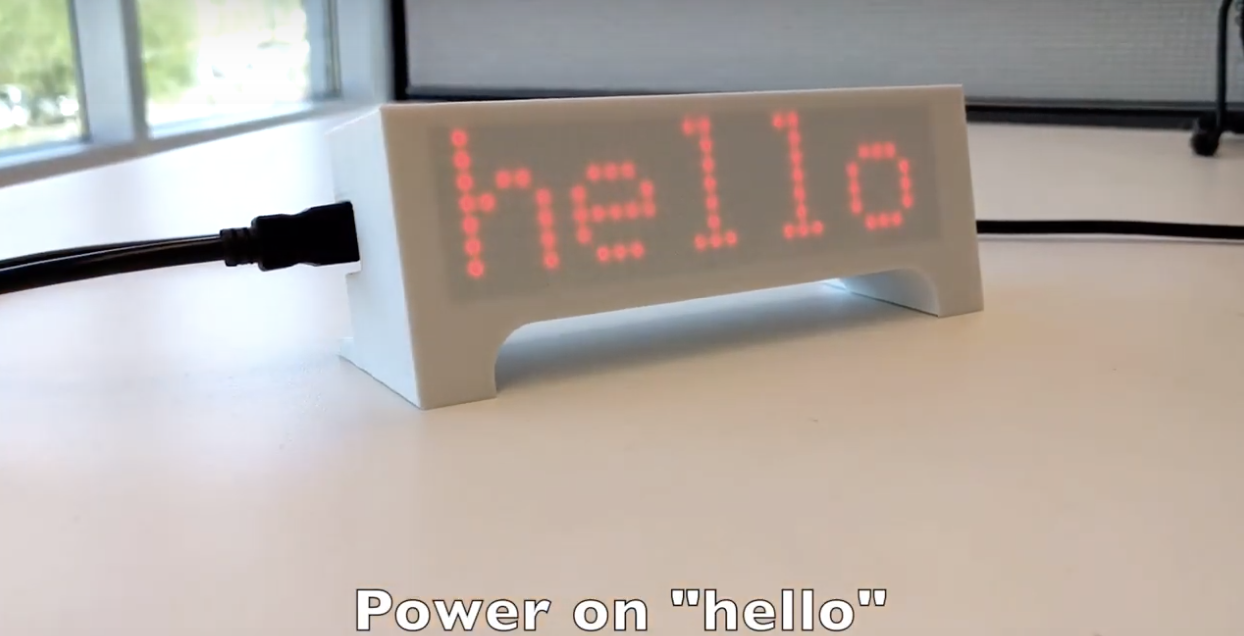
It’s a simple but elegant LED marquee display in a 3d-printed case using a Wemos D1 mini Wifi IOT module and a 4-in-1 dot matrix LED module. I ordered them in white PLA and red LEDs, just like the photo. By default it will display time, bitcoin price, random advice, weather, maybe a few other configurable things, but once you get it in place, you can likely make it do display anything you want. I was thinking it might be fun to add in a display when someone logs into the DC540 Citadel BBS.

cDc has got me a little verklempt.

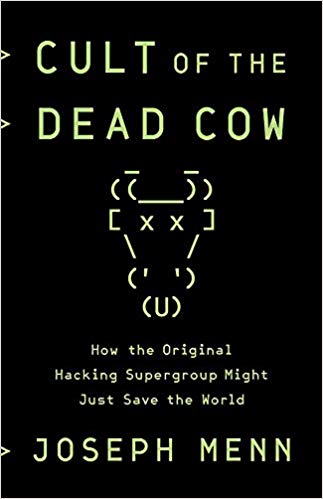
So I’m finally getting around to digging into the cDc book, which I preordered and was looking forward to.

I’ve only completed the first few chapters, but reading this book is like reading my own story. Trafficking in MCI numbers, hoarding esoteric text files, running multiple BBSes over the years. Close calls, and learning from the mistakes of others. Familiar names.

I feel like it’s time to release a set of text files about MY history, and see what comes out of the woodwork.

They’ll be on the citadel. There is no better place for them. If it takes five years for the right people to find them, then so be it.

I might drop some knowledge on different techniques that might be used to carve a successful career on your own from a disadvantaged position.

BSidesDC?

How many of us are going to BSidesDC next weekend? I’m volunteering Saturday and Sunday mid-day, but I’ll have some time before and after to wander and maybe have a drink with some of y’all, especially those of you who can’t make the Monday night meetup in Stone Ridge.

Retrocomputing: Altairduino

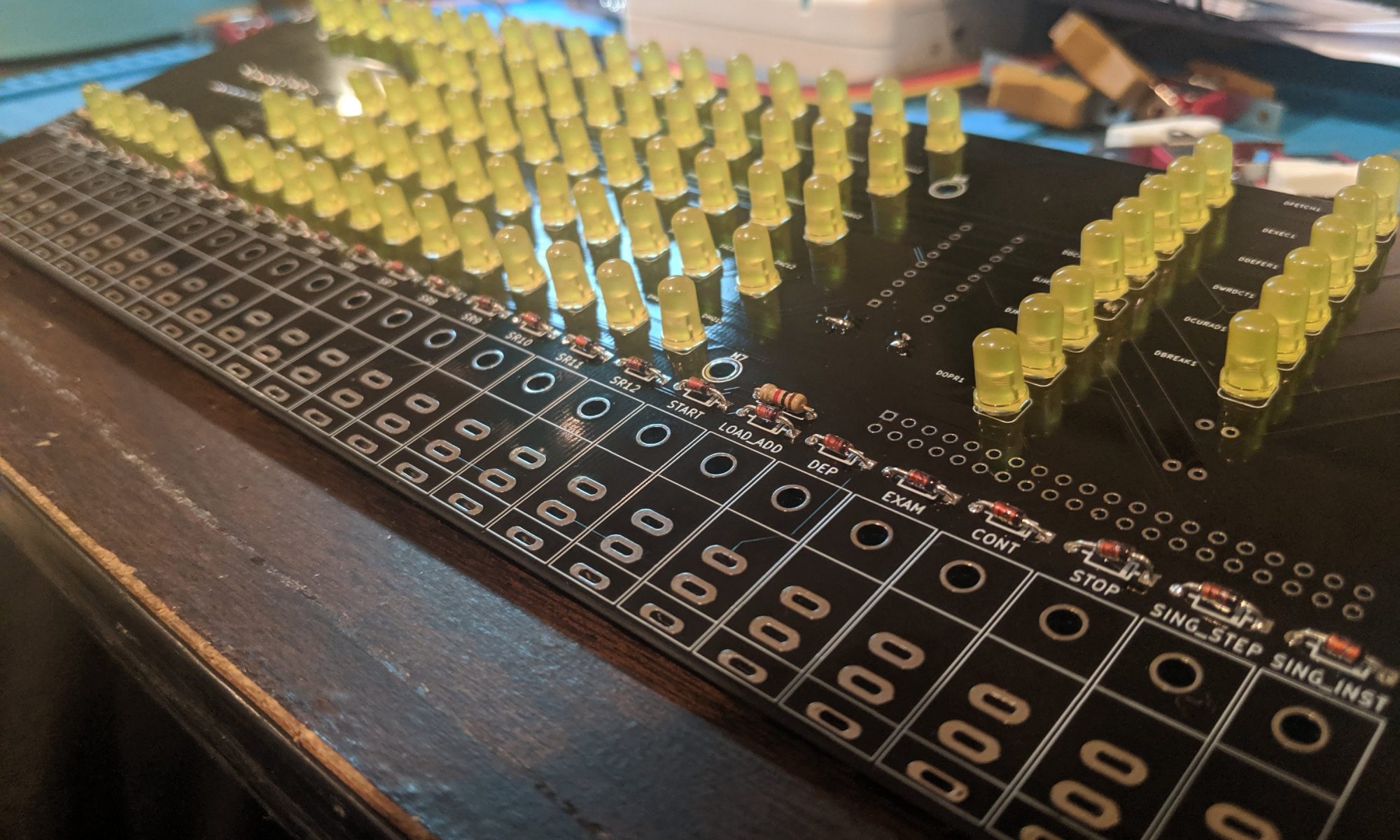
I picked up this Altairduino unit back in 2017 or 2018 I think. The original came with a narrow bamboo case, and I ran into fitment issues and took a break from the project, although I had gotten the electronics portion working. At its core, the project uses an Arduino Due, and simulates the loading of 8″ floppies from files on a micro SD card.

Recently, a blue and white case was made available to simulate the original Altair 8800 case. It’s a bit deeper as well, and comes with an expansion board with a hardware terminal emulator, external serial port, VGA, PS2 keyboard socket, etc. I finally got around to put my Altairduino into a box.

Now I’m struggling with the serial port functionality and/or the SD card reader. But even without those, I can play kill-the-bit and pong with the switches and LEDs on the front panel.

And in other website change news…

Tonight I added Facebook and Twitter login via OAUTH. Facebook seems to work just fine, Twitter seems a bit weird but I’ll check it some more later. The idea is to give you folks the capability of logging in here without having to create and maintain a separate user ID. You are still welcome to do it that way, I’m just creating options.

I will work on event registration next.

Nobody has commented on the front page changes, so either:

  1. Nobody goes to the front page, they just link here directly;
  2. Nobody comes to the website at ALL;
  3. Nobody can figure out how to get past it; or
  4. Nobody gives a shit.

I’ll take any answer. As a part-time nihilist, none of this truly matters.

For tonight, I’m going back to looking at Arduino Due pinouts. I’m trying to diagnose a serial port issue.

Thanks, Meetup!

So, if you were following our Meetup page, you’ll notice that WeWork/Meetup announced some upcoming changes that I, as an organizer, was not comfortable with.

They decided that, beginning in November, they would reduce organizer fees. Great. All in favor. But at the same time, they would start charging attendees $2 per RSVP. Yeah. No.

I would be okay with $1 per RSVP, -if- and -only- if, that money were split between Meetup and the organizer somehow. But it’s not, and I feel pretty strongly that they will either reverse this decision, or face the demise of their platform.

It’s easy for me. I’m a small organizer. It’s EASY for me to get off their platform. I don’t have to rely on them. I really feel for some of the organizers of larger events. Especially those who charge for attendance — this new schema, at this time, doesn’t seem to offer the capability to upcharge.

But again, it’s not about the money — for me, anyway. It’s that I resent a sudden inconvenience on my user base that benefits me in almost no way.

So from this point on, please feel free to follow this website and/or Twitter (@dc540baab) for updates. How this is likely to flesh out is that I continue to announce the events on Meetup, but no longer allow RSVPs through that platform, instead driving them here, where I will add a registration form of some sort.

Forgotten admin password CTFd

So dumbass me, who only messes with CTFd in the week or so leading up to the monthly meeting, of course forgot the username and password for my administrator account on my CTFd server. [This is the server that keeps track of scores for people who have solved exploit challenges].

Of course the damn thing is in a Docker container, and everyone knows I’m a Docker n00b. But I’m determined, so I forge ahead.

I get into the docker container…

docker exec -it /bin/sh

I know it’s not running a database server, so I start poking around in the CTFd directory, and find ctfd.db, a sqlite database file. Jackpot.

I copy the file out of the docker container, because the sqlite command-line tools are not installed:

# docker cp (docker id):/opt/CTFd/CTFd/ctfd.db /tmp

At that point I just opened SQLite to it…

sqlite3 /tmp/ctfd.db

Let’s see what the schema looks like.

.schema

OK, so there’s a users table, but no admins table. Let’s look at users:

select * from users;

OK, there’s my admin account, now I know what the username was, it was one of the three I thought it would be. And there’s a column called “type” which seems to be either “user” or “admin” … The password column is encrypted, so that doesn’t help me.

So I register a new user in the web UI, give it a password, then go back to check my users table. Sure enough, there’s now an admin and a user. Let’s fix that.

update users set type=’admin’;

This would have been more finetuned had more users existed, but in my case there were no regular users but the one I created.

Back to the web UI, login as my new user, and sure enough, I have full admin rights. I don’t know what I was thinking or what I was drinking when I set that up the first time, but tragedy has been averted yet again.

And yes, I could have just rebuilt it, but all the flags for the vulnerable VMs are stored in it.